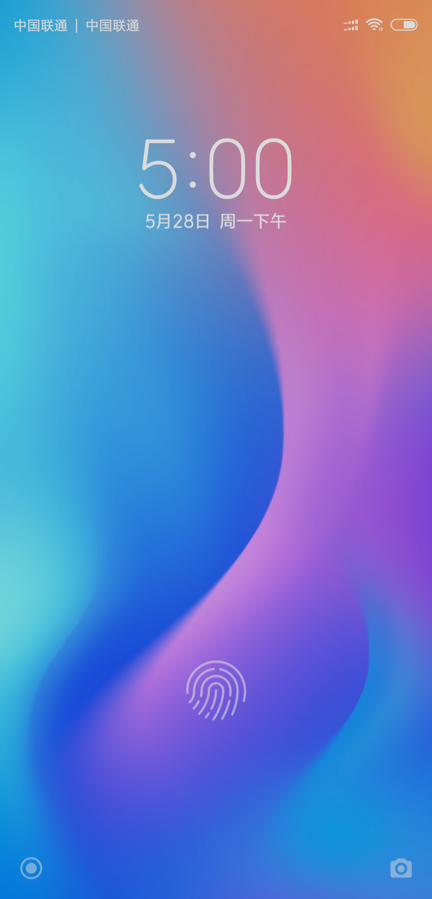
// true means FOD project
PRODUCT_PROPERTY_OVERRIDES += ro.hardware.fp.fod=true
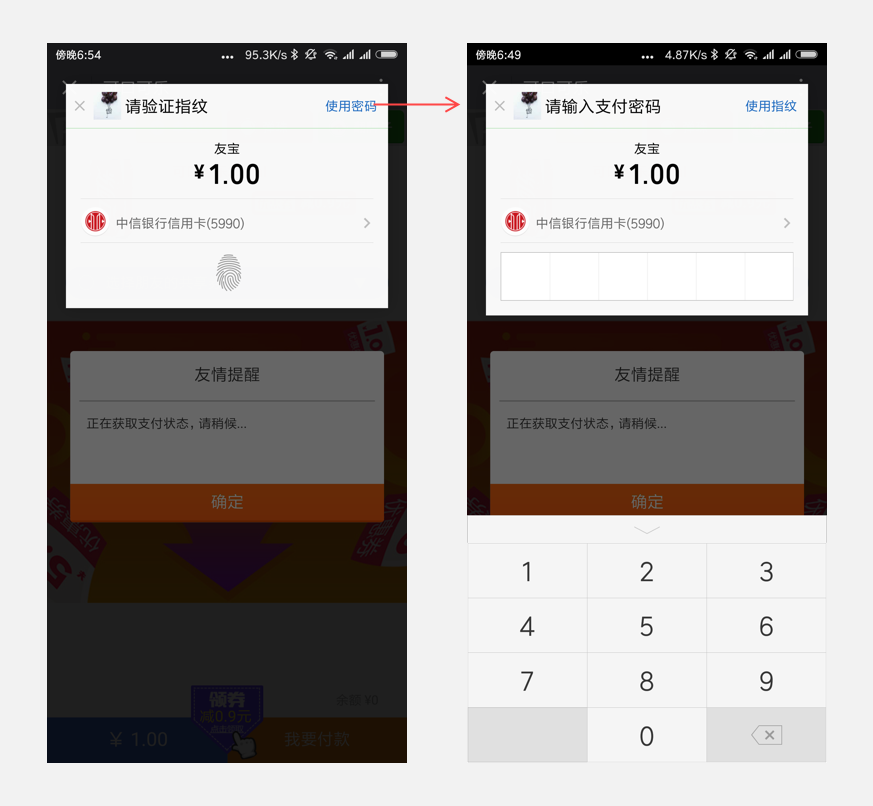
2.2. 指纹传感器的位置、大小(每次指纹验证都需要重新获取)
以下是 Android O 的接口:
//location of FOD sensor's top left corner in pixel, the top left corner of screen is (0,0)
//persist.sys.fp.fod.location.X_Y 表示sensor区域左上角的坐标,以pixel为单位,以物理屏幕左上角为(0,0)计算。
persist.sys.fp.fod.location.X_Y = 453,1640

//sensor的大小(单位也是pixel)
persist.sys.fp.fod.size.width_height = 173,173
以下是 Android P 的接口(应谷歌要求,需要加入「vendor」字样)
//location of FOD sensor's top left corner in pixel, the top left corner of screen is (0,0)// persist.vendor.sys.fp.fod.location.X_Y 表示sensor区域左上角的坐标,以pixel为单位,以物理屏幕左上角为(0,0)计算。
persist.vendor.sys.fp.fod.location.X_Y = 453,1640
//sensor的大小(单位也是pixel)
persist.vendor.sys.fp.fod.size.width_height = 173,173
因为同一款设备,市场上可能会同时存在 Android O 和 Android P 两个版本,所以开发者需要根据 Android 版本调用不同的接口,以获取正确的位置信息。
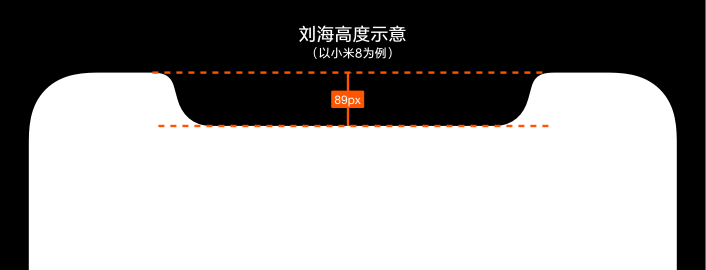
int resourceId = context.getResources().getIdentifier("notch_height", "dimen", "android");
if (resourceId > 0) {
result = context.getResources().getDimensionPixelSize(resourceId);
}
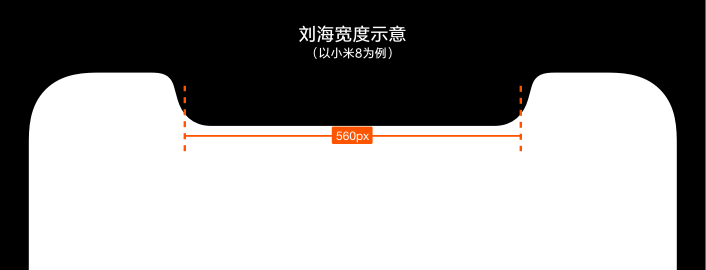
以下是获取当前设备刘海宽度的方法:
int resourceId = context.getResources().getIdentifier("notch_width", "dimen", "android");
if (resourceId > 0) {
result = context.getResources().getDimensionPixelSize(resourceId);
}
int resourceId = context.getResources().getIdentifier("status_bar_height", "dimen", "android");
if (resourceId > 0) {
result = context.getResources().getDimensionPixelSize(resourceId);
}
int resourceId = context.getResources().getIdentifier("status_bar_height", "dimen", "android");
if (resourceId > 0) {
	result = context.getResources().getDimensionPixelSize(resourceId);
}
如有需要,可以通过查询以下 Global settings 来确定「隐藏屏幕刘海」是否开启了,然后再作针对性优化。
int resourceId = context.getResources().getIdentifier("status_bar_height", "dimen", "android");

if (resourceId > 0) {

result = context.getResources().getDimensionPixelSize(resourceId);

}
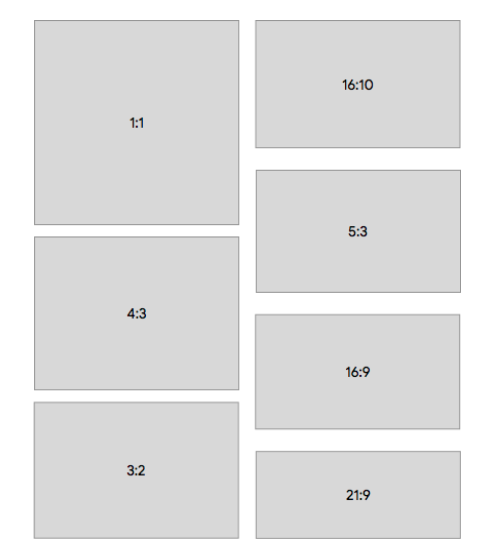
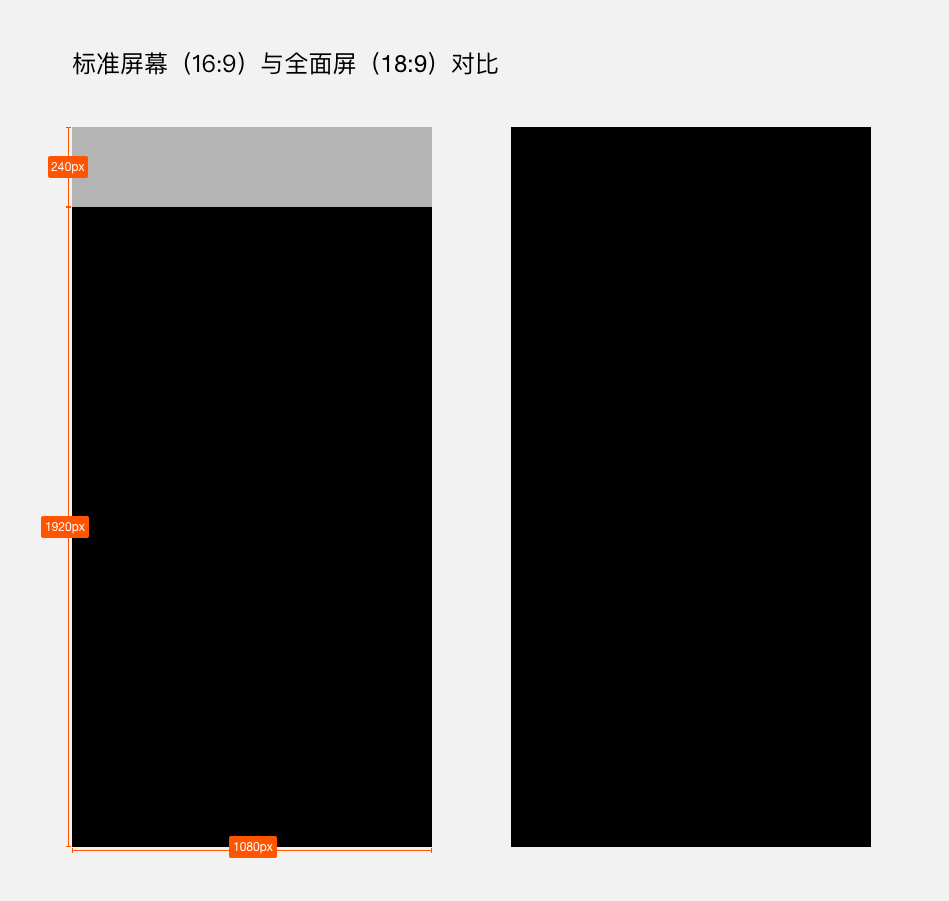
若开发者没有声明该属性,ratio_float 的默认值为1.86,小于2.0,因此这类应用在全面屏手机上,默认不会全屏显示,屏幕底部会留黑。考虑到将有更多 19.5:9 甚至更长的手机出现,建议开发者声明 Maximum Aspect Ratio ≥ 2.2 或更多。值得一提的是,如果应用的 android:resizeableActivity 已经设置为 true,就不必设置 Maximum Aspect Ratio 了。详见 Android 官方文档 Declaring maximum aspect ratio。
/**
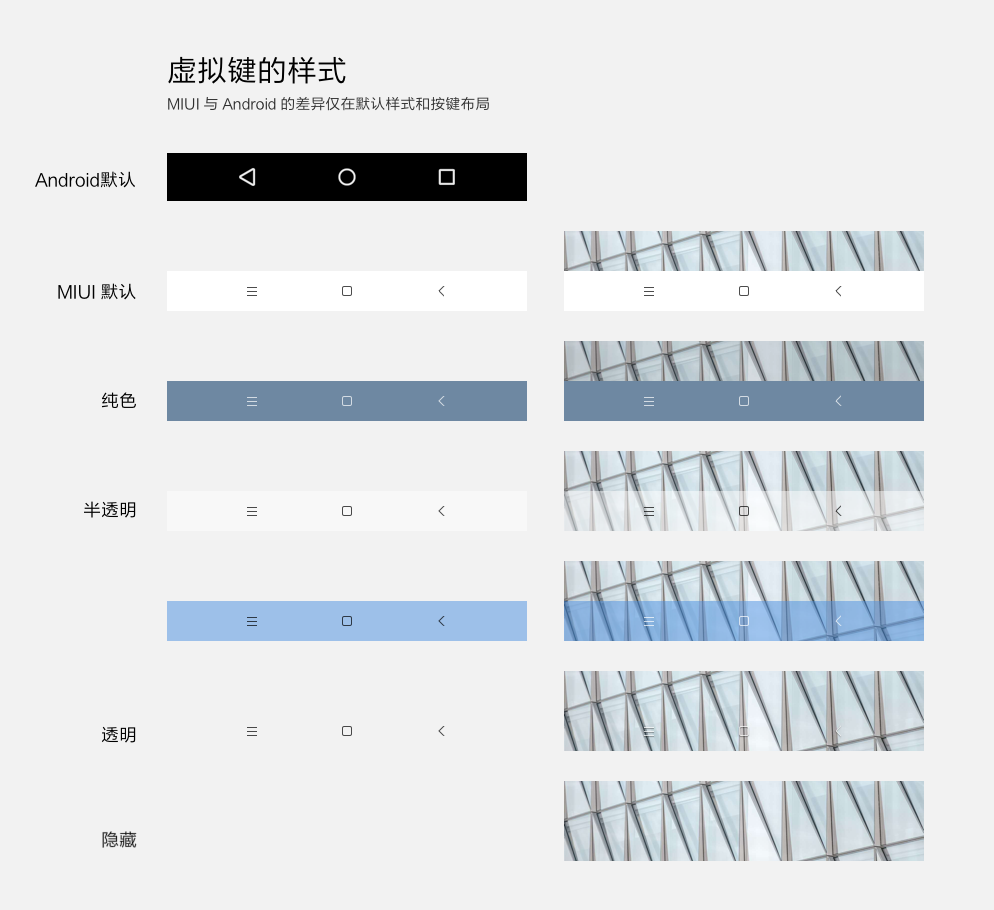
* Sets the color of the navigation bar to {@param color}.
*
* For this to take effect,
* the window must be drawing the system bar backgrounds with
* {@link android.view.WindowManager.LayoutParams#FLAG_DRAWS_SYSTEM_BAR_BACKGROUNDS} and
* {@link android.view.WindowManager.LayoutParams#FLAG_TRANSLUCENT_NAVIGATION} must not be set.
*
* If {@param color} is not opaque, consider setting
* {@link android.view.View#SYSTEM_UI_FLAG_LAYOUT_STABLE} and
* {@link android.view.View#SYSTEM_UI_FLAG_LAYOUT_HIDE_NAVIGATION}.
* <p>
* The transitionName for the view background will be "android:navigation:background".
* </p>
*/publicabstractvoidsetNavigationBarColor(@ColorInt int color);